Live demos
The same data and the same three charts, built with 6 libraries. Open any of them, change the year or the country, and read the code: since the data, views and colors are shared, the differences you see come from the library.
Every demo draws the Gapminder dataset (life expectancy, GDP per capita and population for 142 countries, 1952–2007) as GDP per capita vs life expectancy by year, life expectancy over time for one country, and a world map of one metric for one year. They run on Cloudish and sleep when nobody is using them, so the first visit may take a few seconds to wake one up.
Drawn in your browser
JavaScript libraries: the server only sends files, and every change happens on your machine.
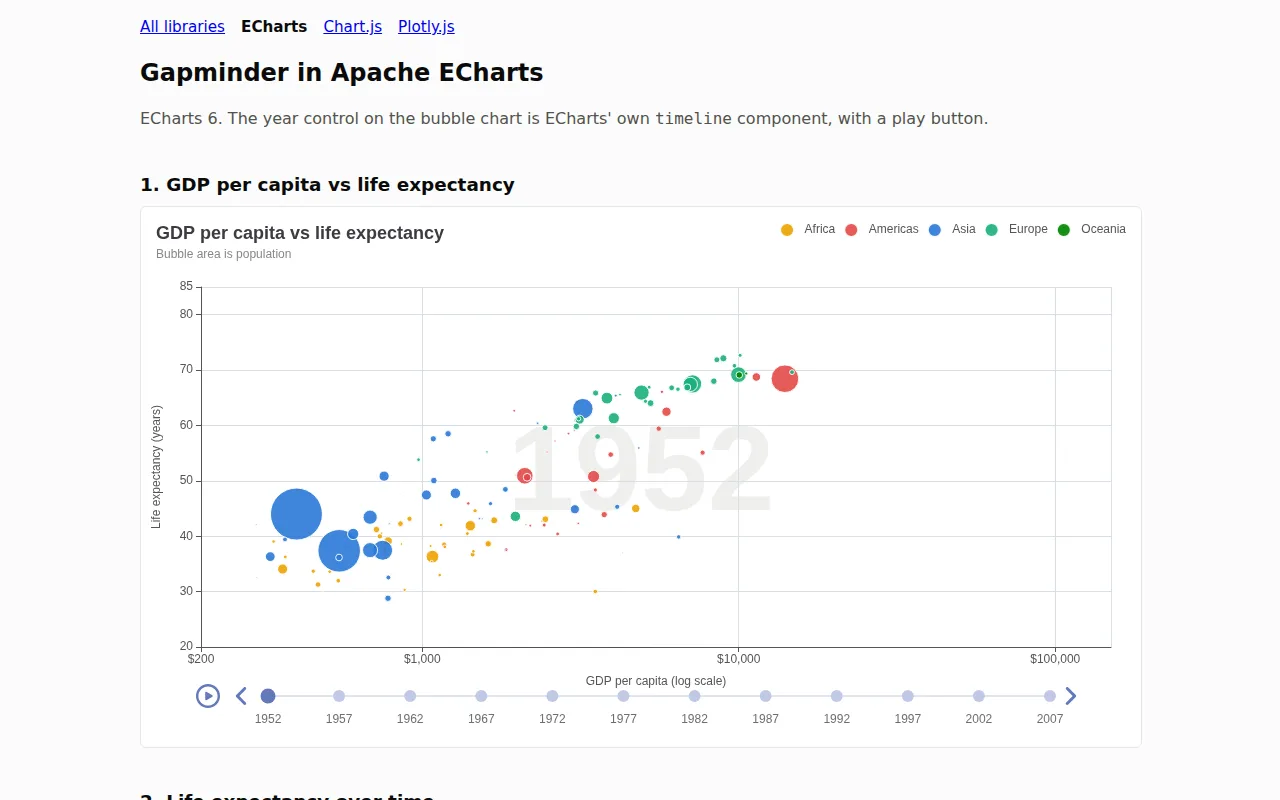
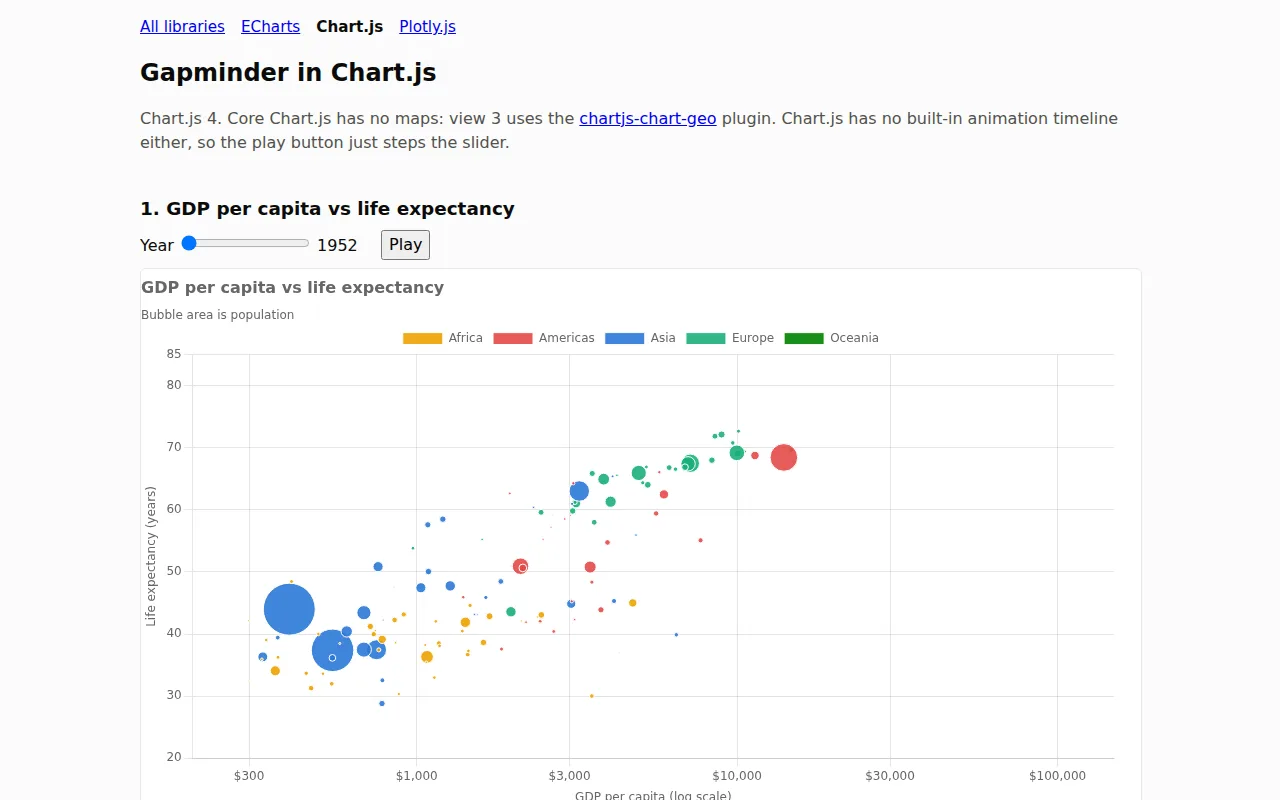
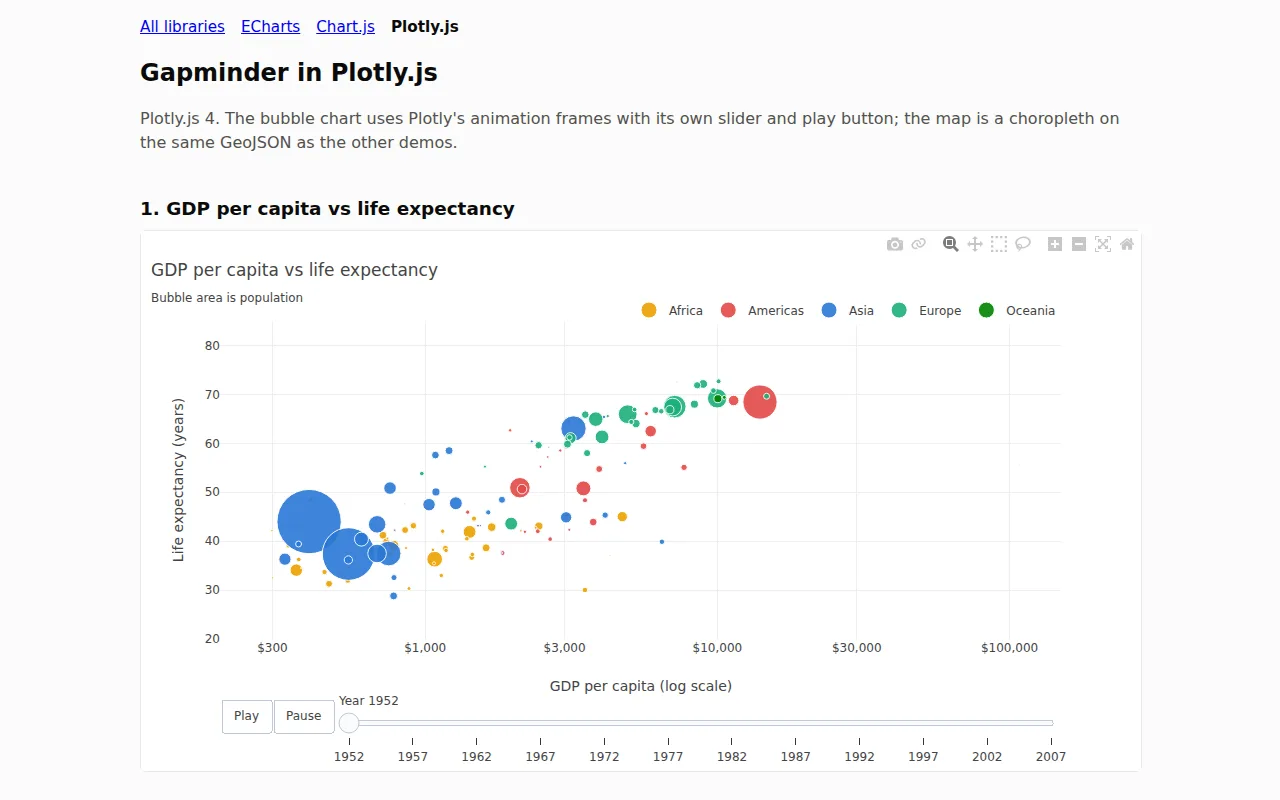
Rendered on a server
Python and R libraries: each input goes to a running app, which draws the chart and sends it back.
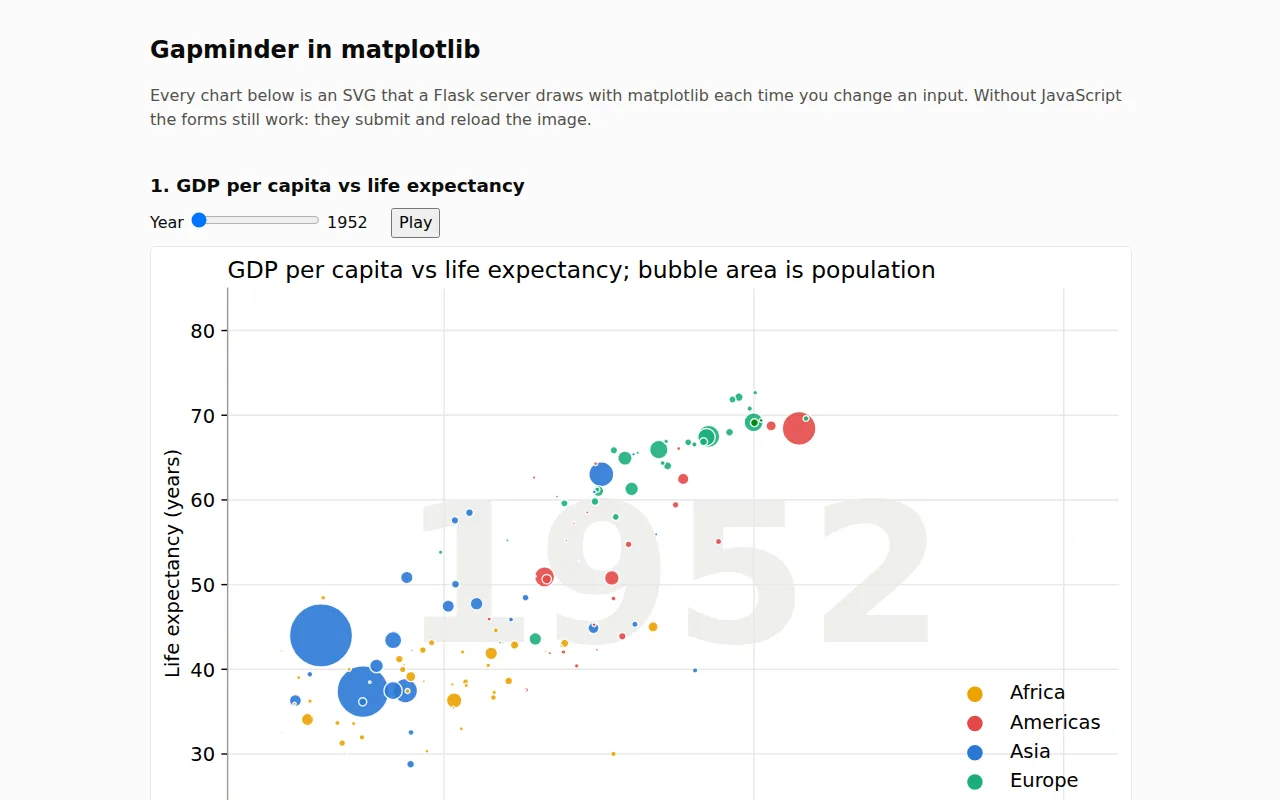
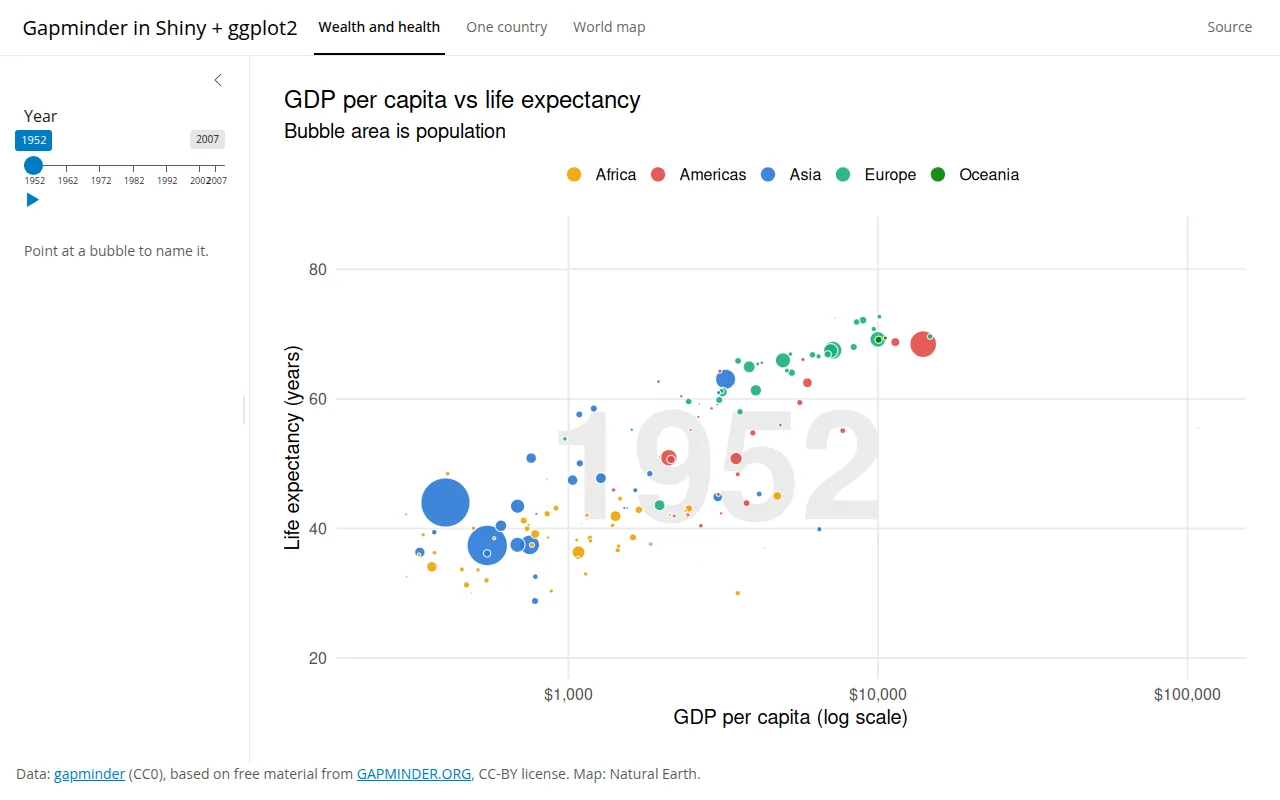
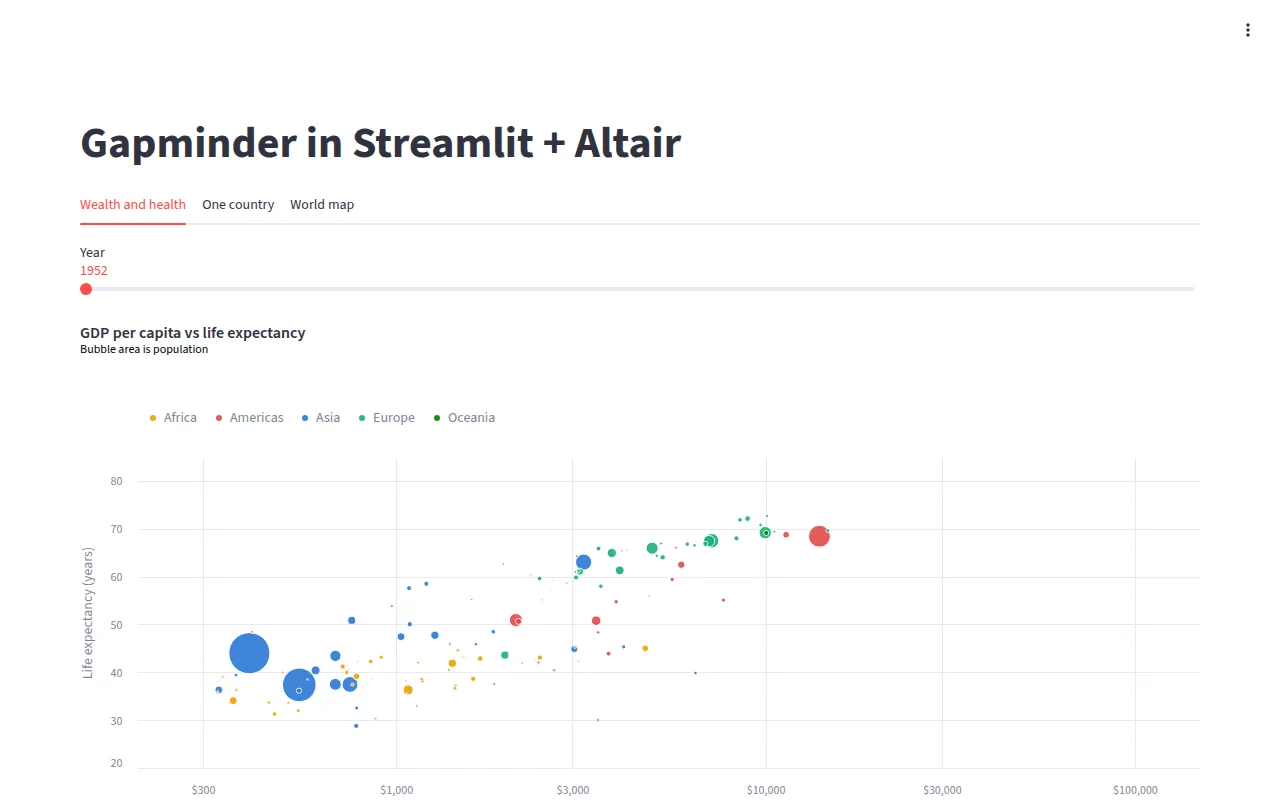
Add a demo for your library
Any library in the directory can have a demo here. A demo is one folder in demos/: a small app with a Dockerfile and a demo.json that names the library. Once its pull request is merged, it is deployed to Cloudish, screenshotted and added to this page and to the library's page, with nothing else to edit.
With a coding agent
Paste this into Claude Code, Codex, Cursor or any other coding agent, with your library's name in place of LIBRARY:
Add a live demo of LIBRARY to Awesome Dataviz: follow https://github.com/hal9ai/awesome-dataviz/blob/main/demos/README.md to build the Gapminder demo in a new demos/ folder, deploy it to cloudish.ai to test it, and open a pull request to hal9ai/awesome-dataviz with the live URL.
By hand
- Start from the closest demo. Copy
matplotlib/for a server-side library or a page ofjs-gallery/for a JavaScript one intodemos/your-library/, and redraw the three views with your library. - Describe it in
demo.json: whether it runs in the browser or on a server, and the URL your library's entry links to in the README. - Try it with
node demos/deploy.mjs --check your-library(Docker) or deploy it to your own Cloudish key withnode demos/deploy.mjs your-library; no sign-up is needed. - Open a pull request. Its checks build the demo and attach a screenshot.
The demo guide has the details: the data, the views and colors to match, and what a good demo looks like (short, idiomatic, versions pinned, nothing loaded from other sites).